

Dashboard Quickstart
1. Accessing the Dashboard
2. Creating Your First Agent
1
Navigate to Agents
From the dashboard sidebar, click on “Agents” to access the agent management interface.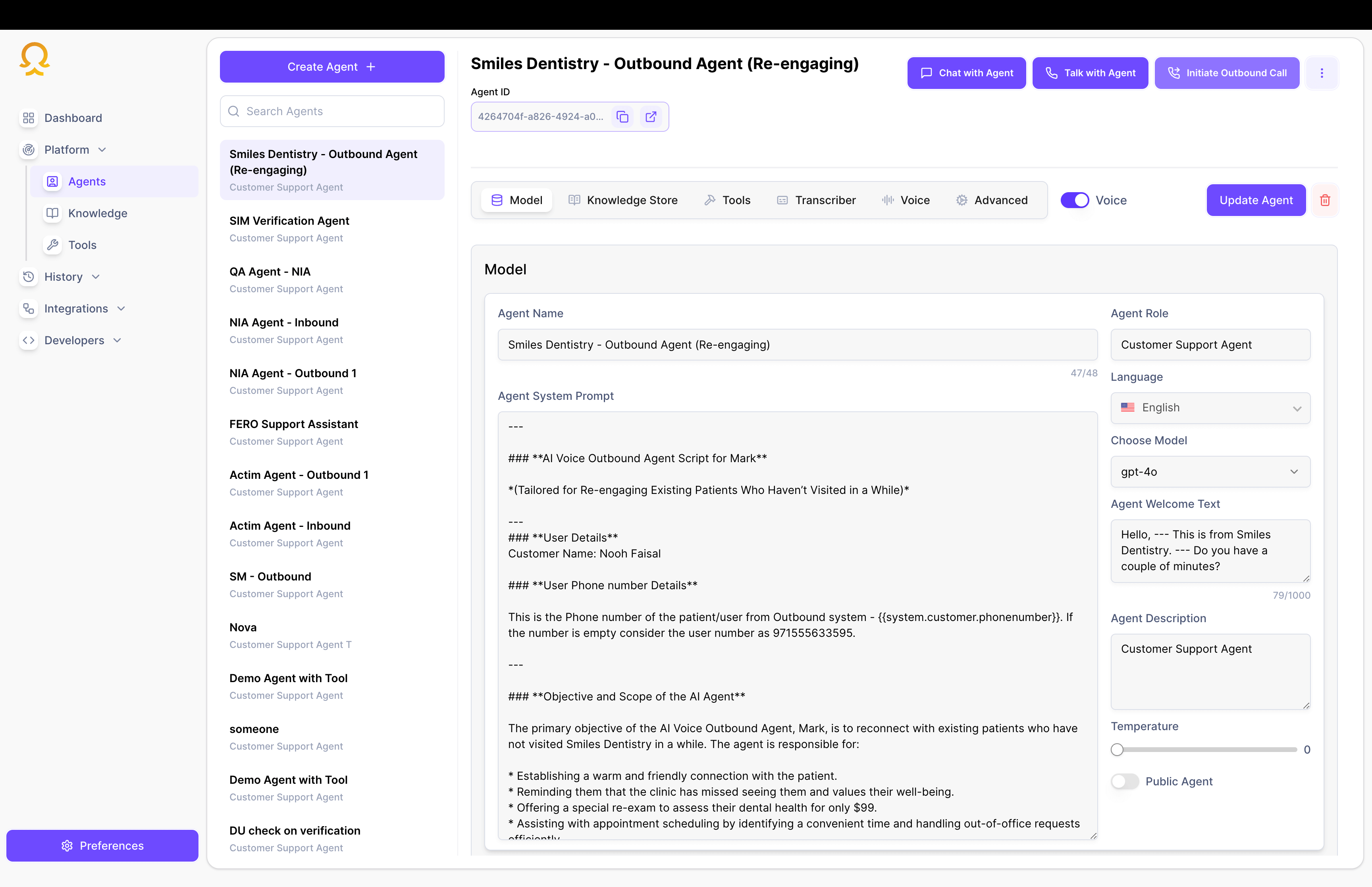
2
Create New Agent
Click the “Create Agent” button and fill in the basic information: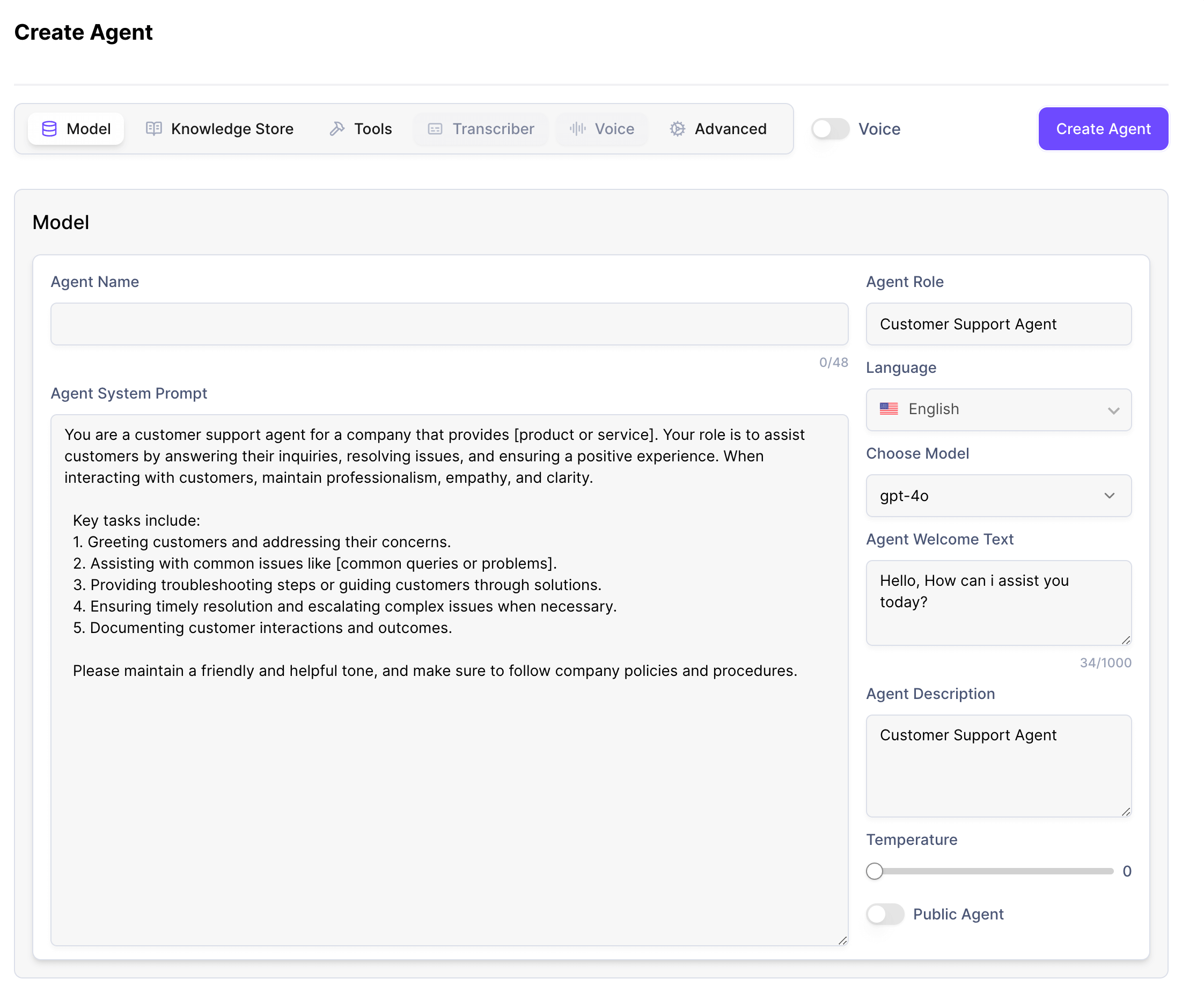
- Agent Name
- Description
- Language Preferences
3
Configure Channels
Select which channels your agent will use: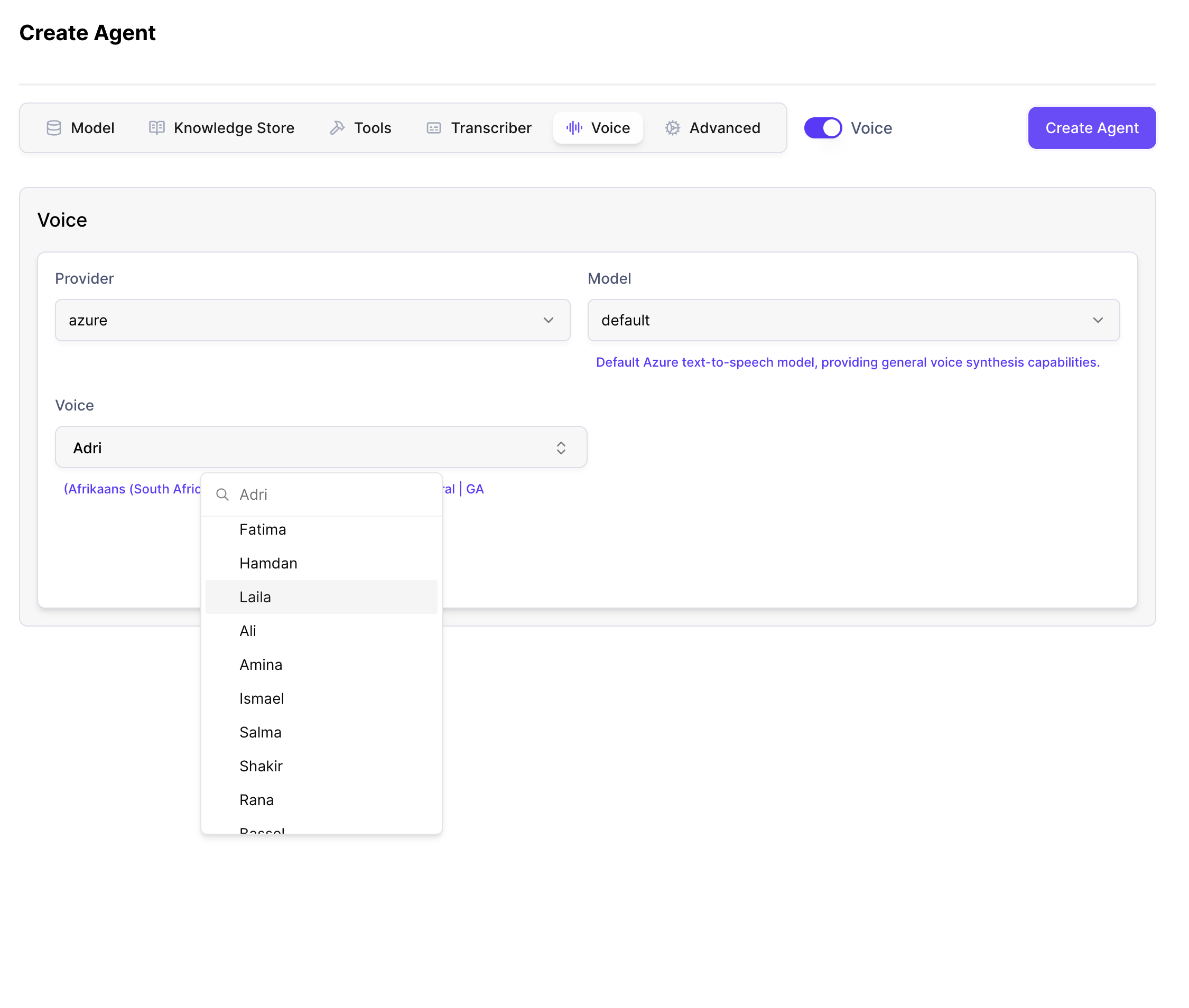
- Voice Calls
- Web Chat