

Chat Playground
The chat playground allows you to test your agent’s responses and capabilities in a text-based environment.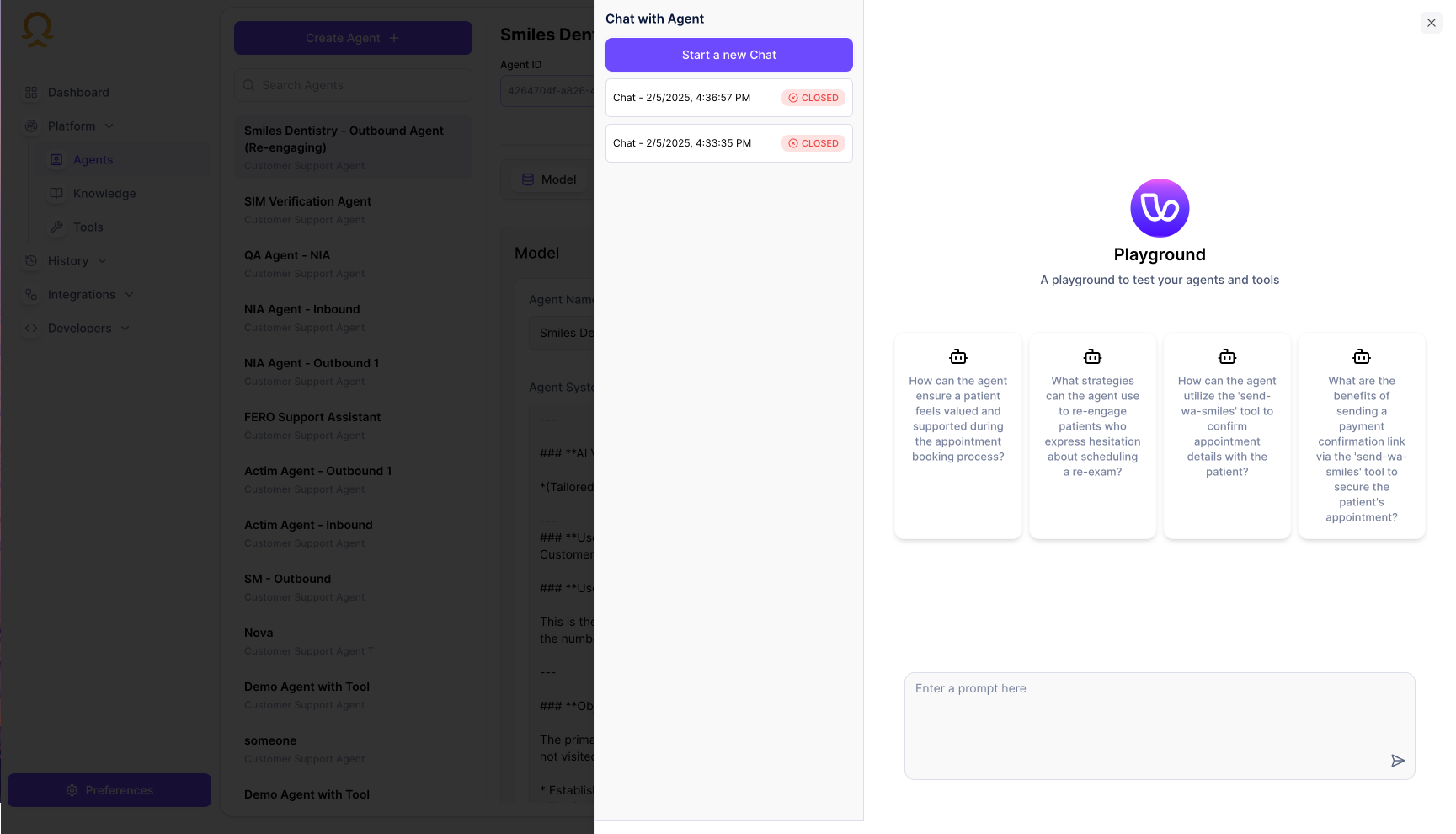
Features
- Start new chat sessions
- View chat history
- Test predefined scenarios
- Use suggested prompts
Using the Playground
- Click “Start a new Chat” to begin a conversation
- Use the suggested prompts or type your own message
- Review the agent’s responses
- Check conversation history in the sidebar
Voice Testing
Test voice interactions through our web interface or phone calls.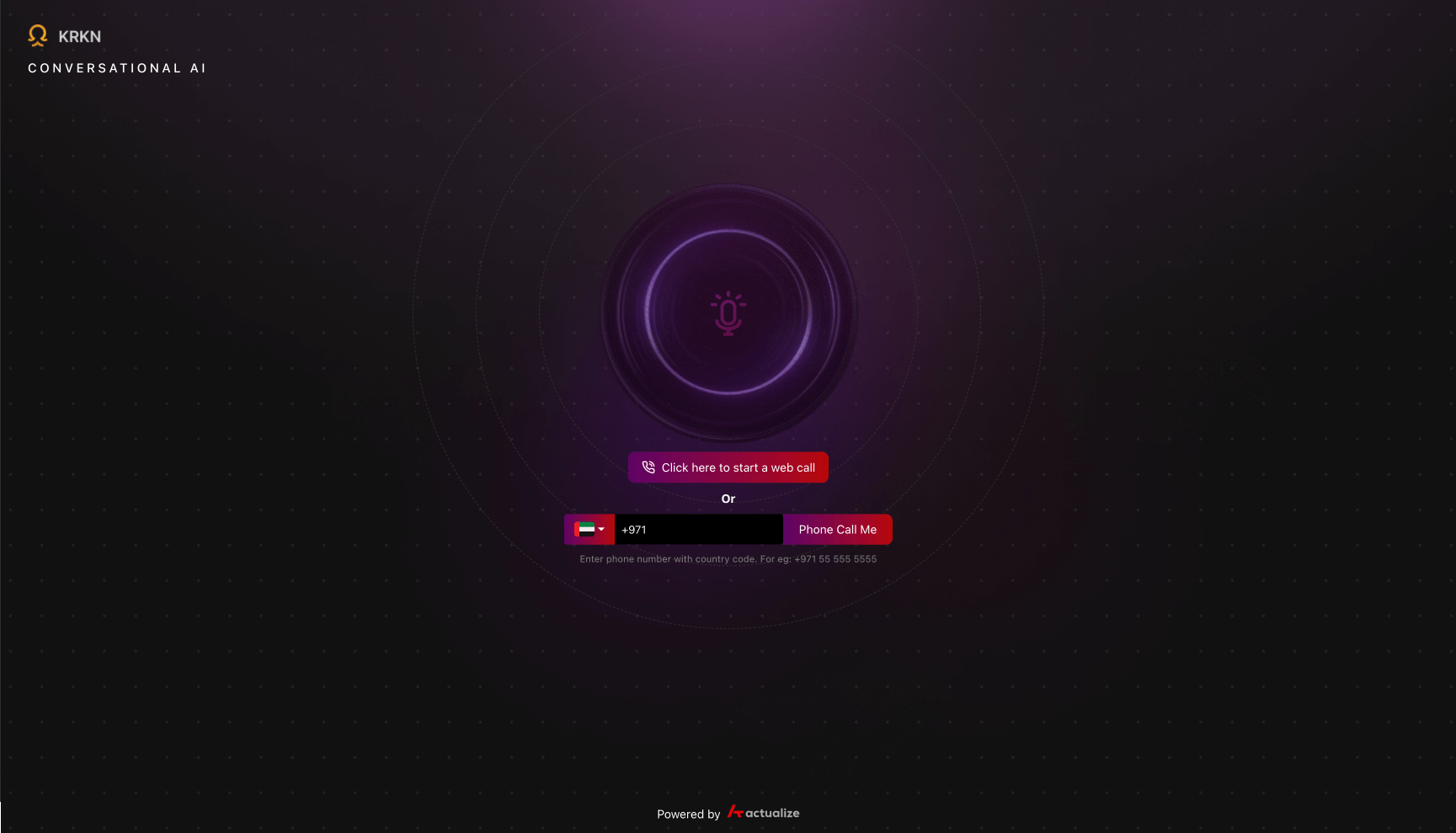
Web Calling
- Click “Click here to start a web call”
- Allow microphone access when prompted
- Start speaking with your agent
Phone Calling
- Enter your phone number with country code
- Click “Phone Call Me”
- Answer the incoming call
- Interact with your agent
Call History
Review past interactions and analyze conversations.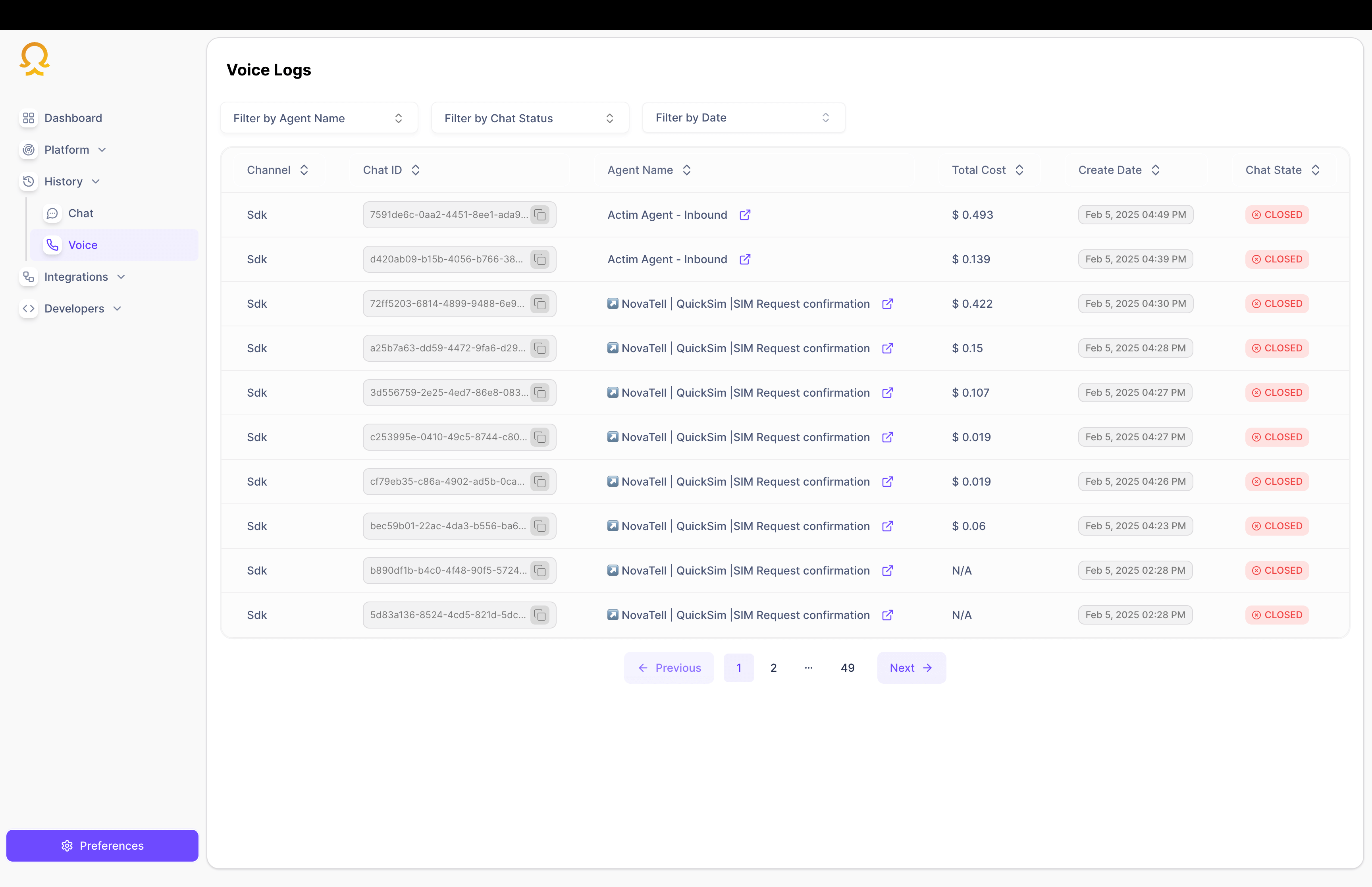
Features
- View call timestamps
- Read conversation transcripts
- Listen to call recordings
- Analyze agent performance
Example Test Scenarios
Basic Interaction
Test simple queries and responses to ensure the agent understands and responds appropriately.
Complex Workflows
Test multi-turn conversations and complex business logic handling.
Knowledge Integration
Verify the agent can access and use connected knowledge bases.
Tool Usage
Test the agent’s ability to use integrated tools and APIs.
Next Steps
Channel Setup
Configure WhatsApp integration
Voice Configuration
Customize voice settings